How to Create Sample Data in Excel Using Free Copilot Chat

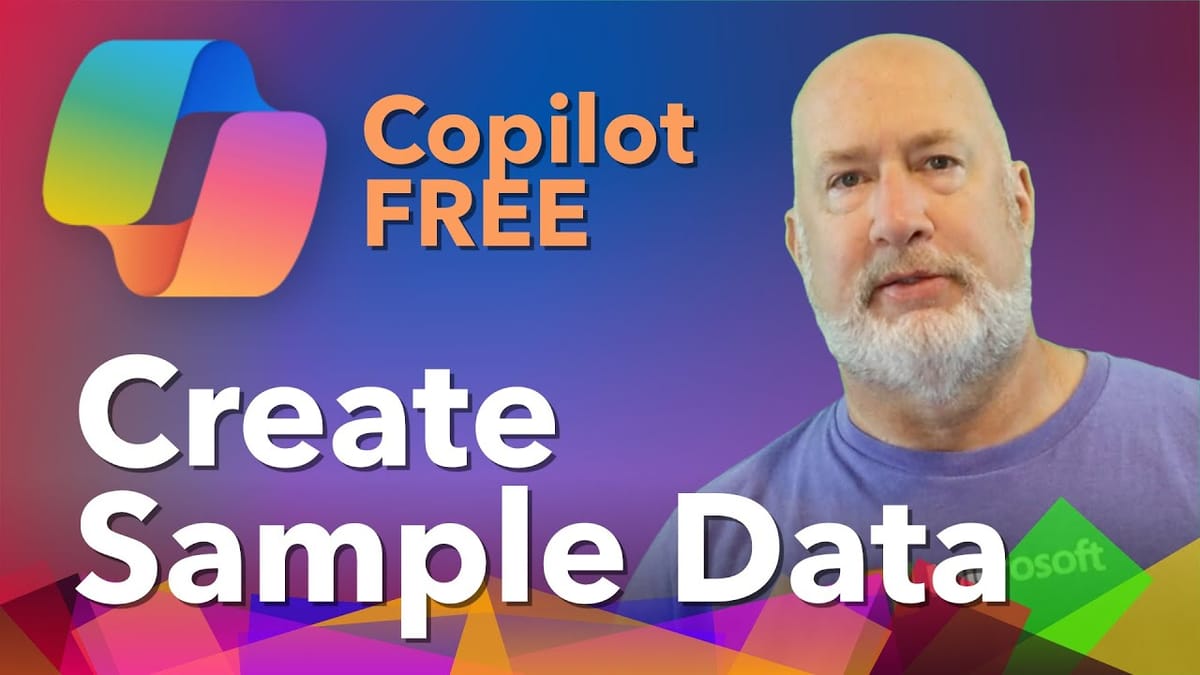
Need fictitious customer data, order records, or test datasets for training, presentations, or projects? You can generate all of it using free Copilot Chat — no paid Microsoft 365 Copilot license required.
In this guide, I walk through how to use Copilot Chat to create realistic sample data, structure it into Excel tables, and add related datasets — all in a single workbook.
YouTube Video
Creating a Customer List
Open Copilot Chat (the free version works fine — compatible with GPT-4 and GPT-5) and prompt it to generate a customer dataset. Specify the fields you need — names, cities, states, emails, customer dates, or any other columns relevant to your use case.
Copilot generates the data and outputs it as a properly formatted Excel file. When you download and open it, the data arrives as structured Excel tables with appropriate column headers and formatting.
 Chris Menard
Adding Related Tables
Where this technique really shines is in adding related data. After generating your customer list, ask Copilot to create an orders table that references the same customer IDs. Copilot keeps the data consistent across tables and can even name them appropriately — a "Customers" table and an "Orders" table in the same workbook.
This is useful for building Excel function demos, PivotTable examples, or XLOOKUP practice exercises.
 Chris Menard
Tips for Better Results
- Be specific about fields — list exactly which columns you want (name, email, city, state, date, etc.)
- Specify the number of rows — "Generate 50 customer records" gives you a meaningful dataset
- Request related tables — "Add an orders table with 200 records referencing the customer IDs."
- Refine with follow-ups — "Add a product category column to the orders table."
Beyond Excel
This approach works for other applications too. You can use Copilot Chat to generate sample data for PowerPoint presentations, Word documents, or any scenario where you need realistic but fictitious information quickly.
 Chris Menard
Related Guides
Want to learn more? Visit courses.chrismenardtraining.com for online training courses.