How to Compare Files for Free with Microsoft Copilot Chat

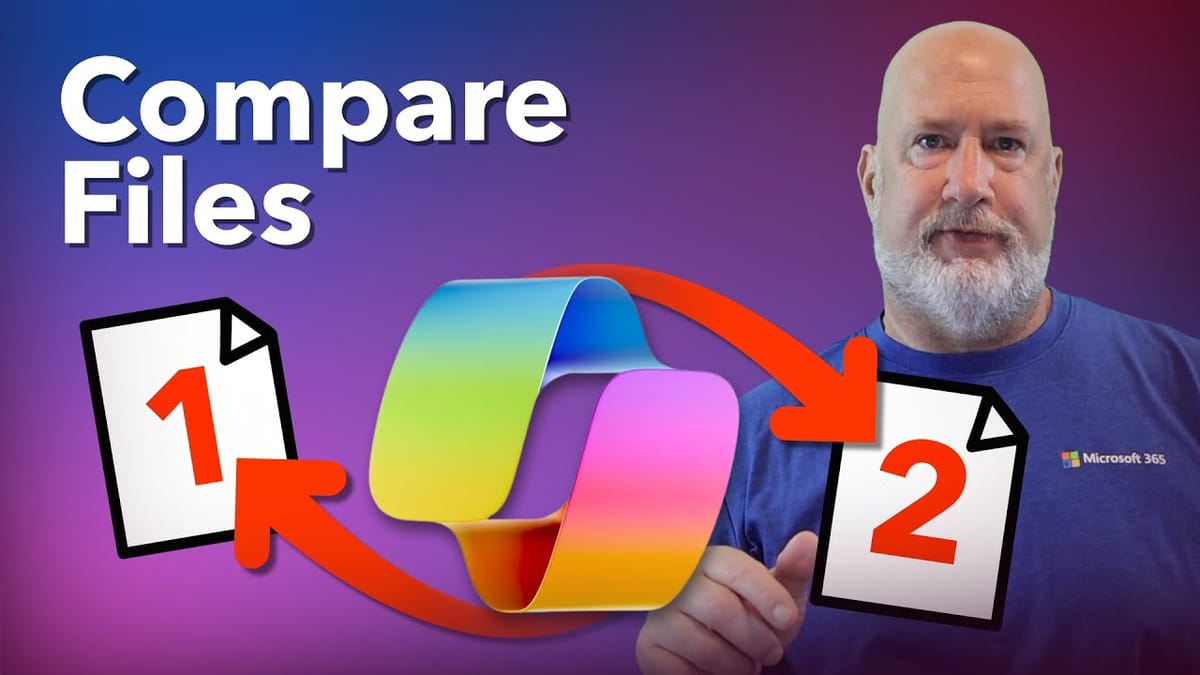
If you have a Microsoft 365 business or enterprise license, you already have access to a powerful file comparison tool — and it's completely free. Copilot Chat can upload, summarize, and compare documents side by side, whether they're PDFs, Word files, or PowerPoint presentations.
Accessing Copilot Chat
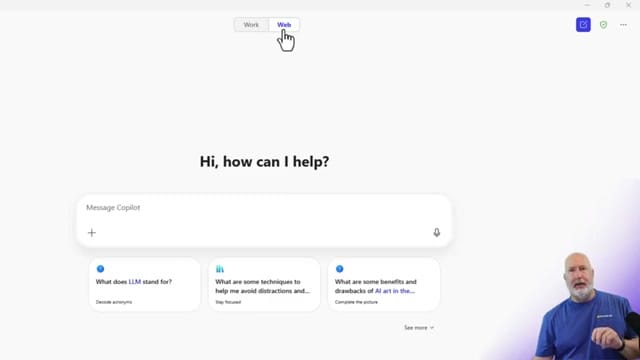
Open Copilot Chat through your Microsoft 365 account. You can use it in a web browser or pin the app to your taskbar. Make sure you're on the Web tab — this is where the free Copilot features live, accessible to all M365 business and enterprise users without an additional Copilot license.
Uploading and Summarizing Files
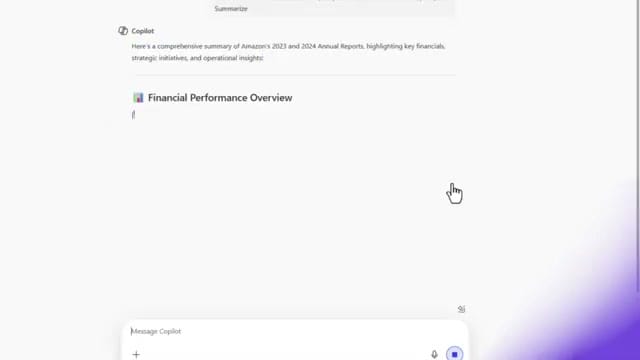
Click the + button in the message box to upload files. You can upload multiple documents at once — for example, two annual reports from different years. Ask Copilot to "summarize these documents" and it generates a comprehensive overview of each file.
Comparing the Documents
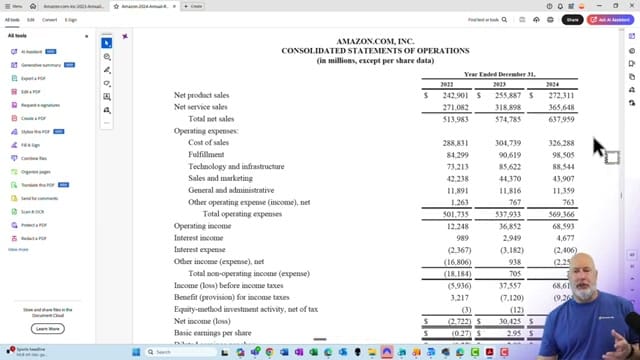
Once the files are uploaded, ask Copilot to compare them. For example: "Compare the 2023 and 2024 annual reports and highlight the key differences." Copilot analyzes both documents and returns a structured comparison covering financial performance, strategic changes, and operational differences.
Verifying and Sharing Results
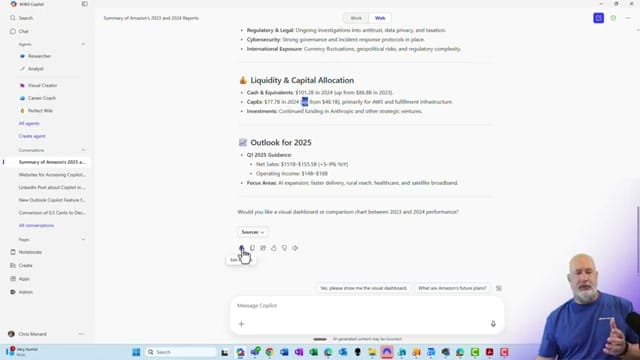
Always verify Copilot's analysis against the source documents. Copilot provides a Sources button that links back to the specific sections it referenced. Once verified, you can edit the response directly in the chat, copy it, or share it with colleagues.
Related Copilot Tutorials
 Chris Menard
 Chris Menard
 Chris Menard