
Copilot in Excel: Conditional Formatting with Complex Functions


I have a fabulous topic for you today: Conditional Formatting with Complex Functions using Copilot in Excel.
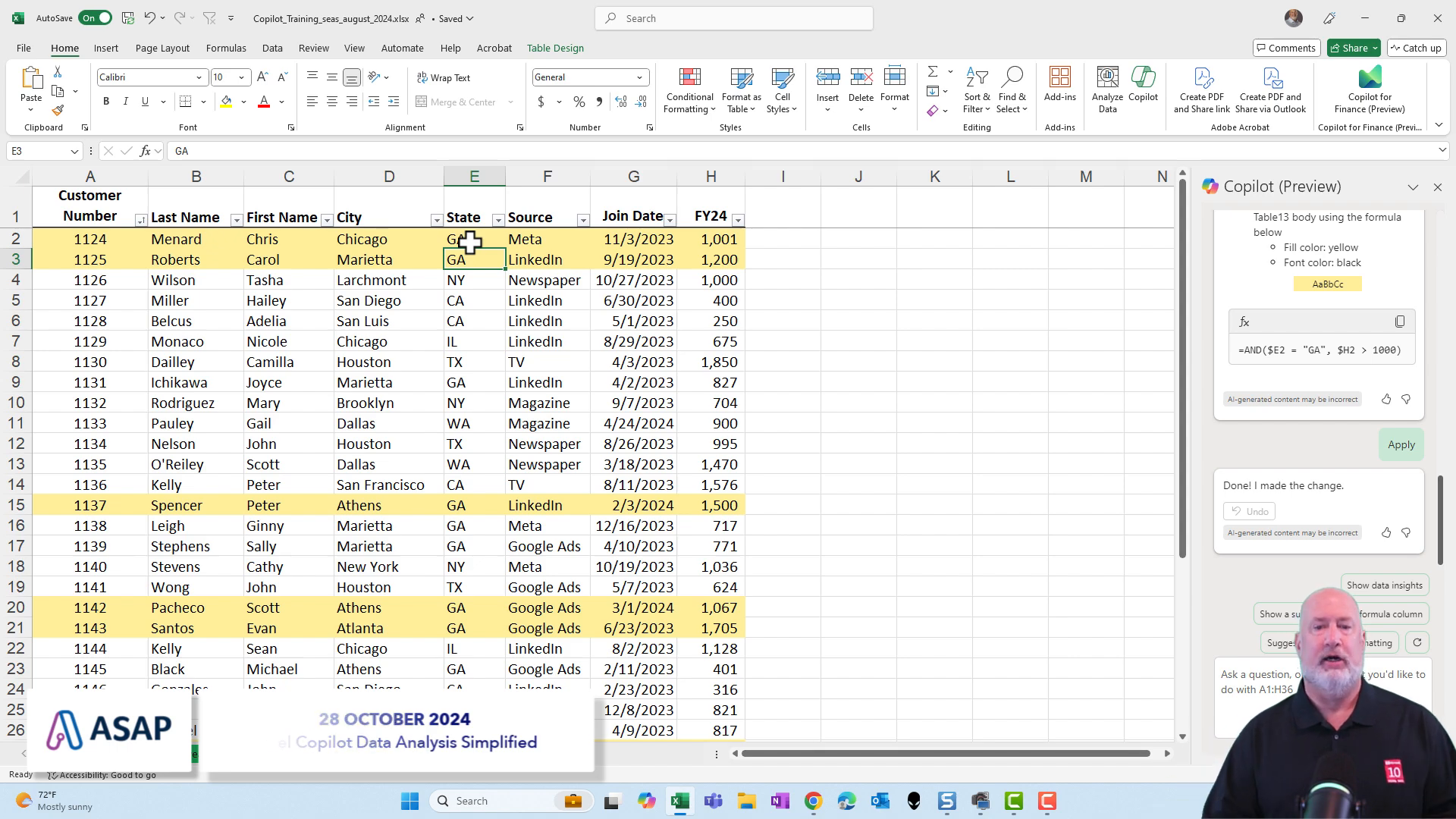
This feature is something I've been eagerly awaiting since Copilot was released in November 2023. Now, I can utilize conditional formatting with complex functions in Copilot. In this example, I want to highlight any row where the state (column E) is Georgia and the FY24 value is over 1,000 with a yellow background.
Setting Up Conditional Formatting
To achieve this, we need to do three things: select the data, know how to use conditional formatting, and understand the AND function in Excel. But let's say I know nothing about conditional formatting or the AND function, only how to select the data.
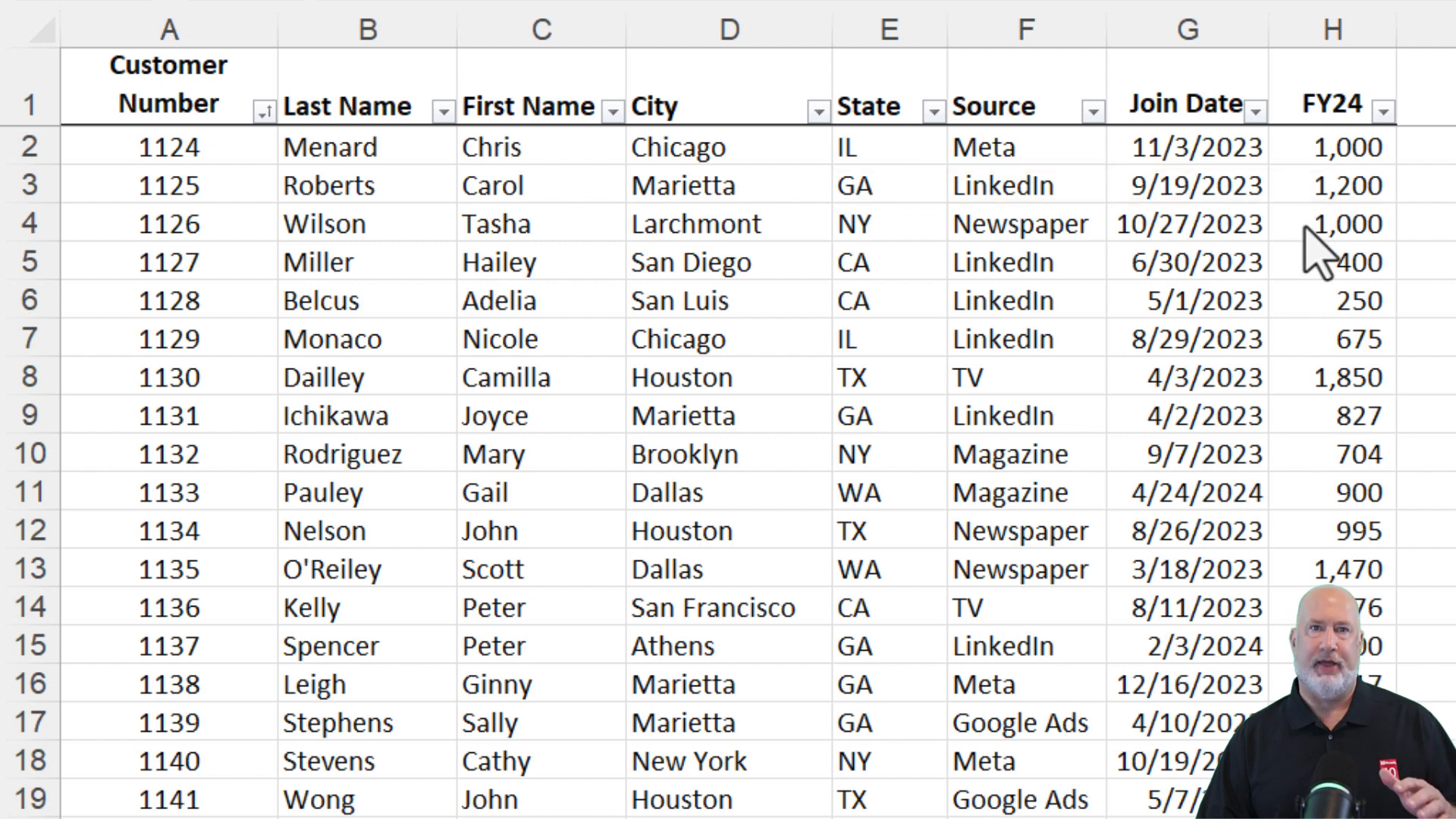
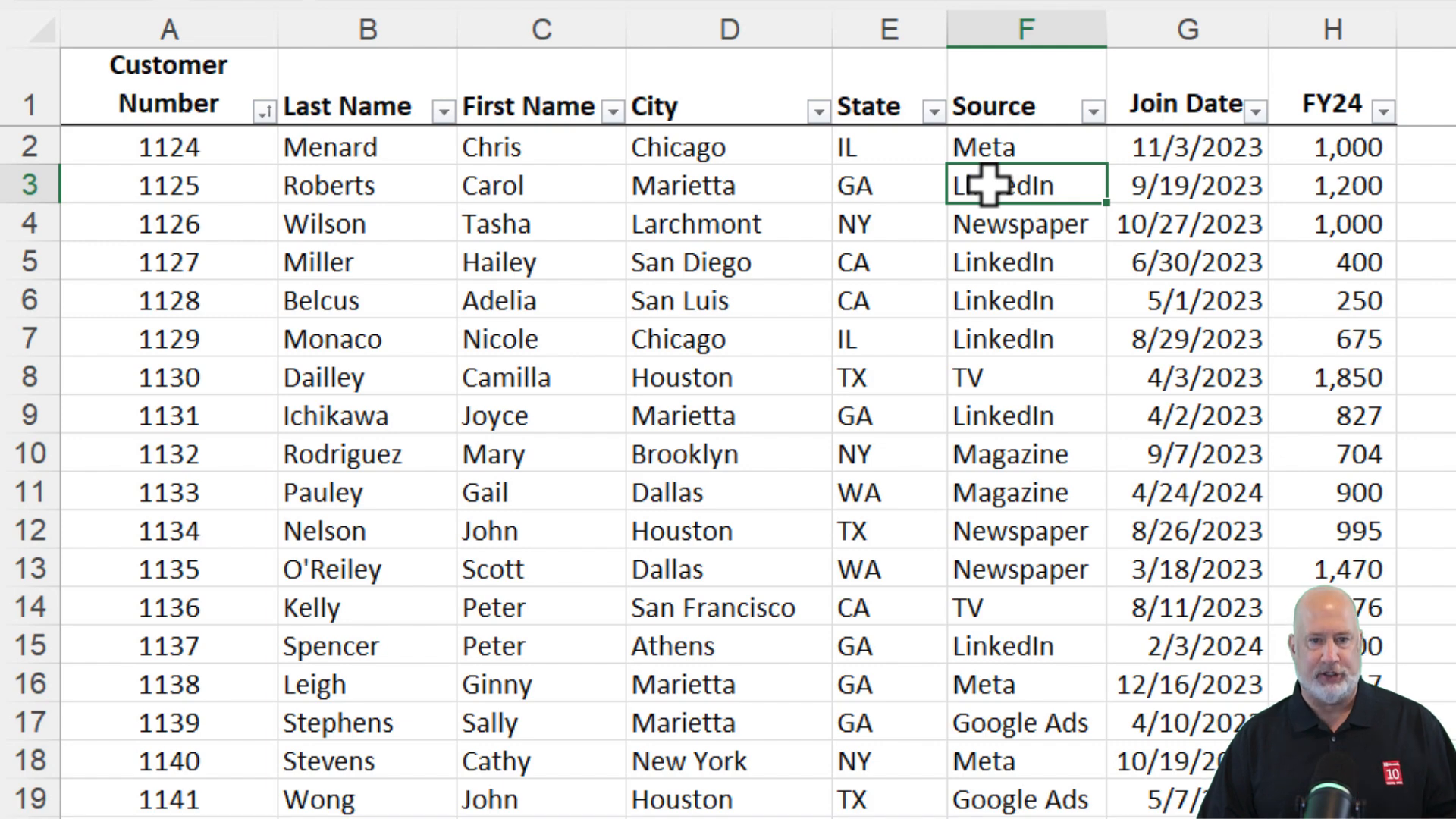
I'll start by selecting Copilot. In the prompt box at the bottom, I'll type: "Make any row with the state of Georgia and FY24 over 1,000 in a yellow background." I misspelled "background," but that’s okay. Let's run this.
Understanding Copilot's Response
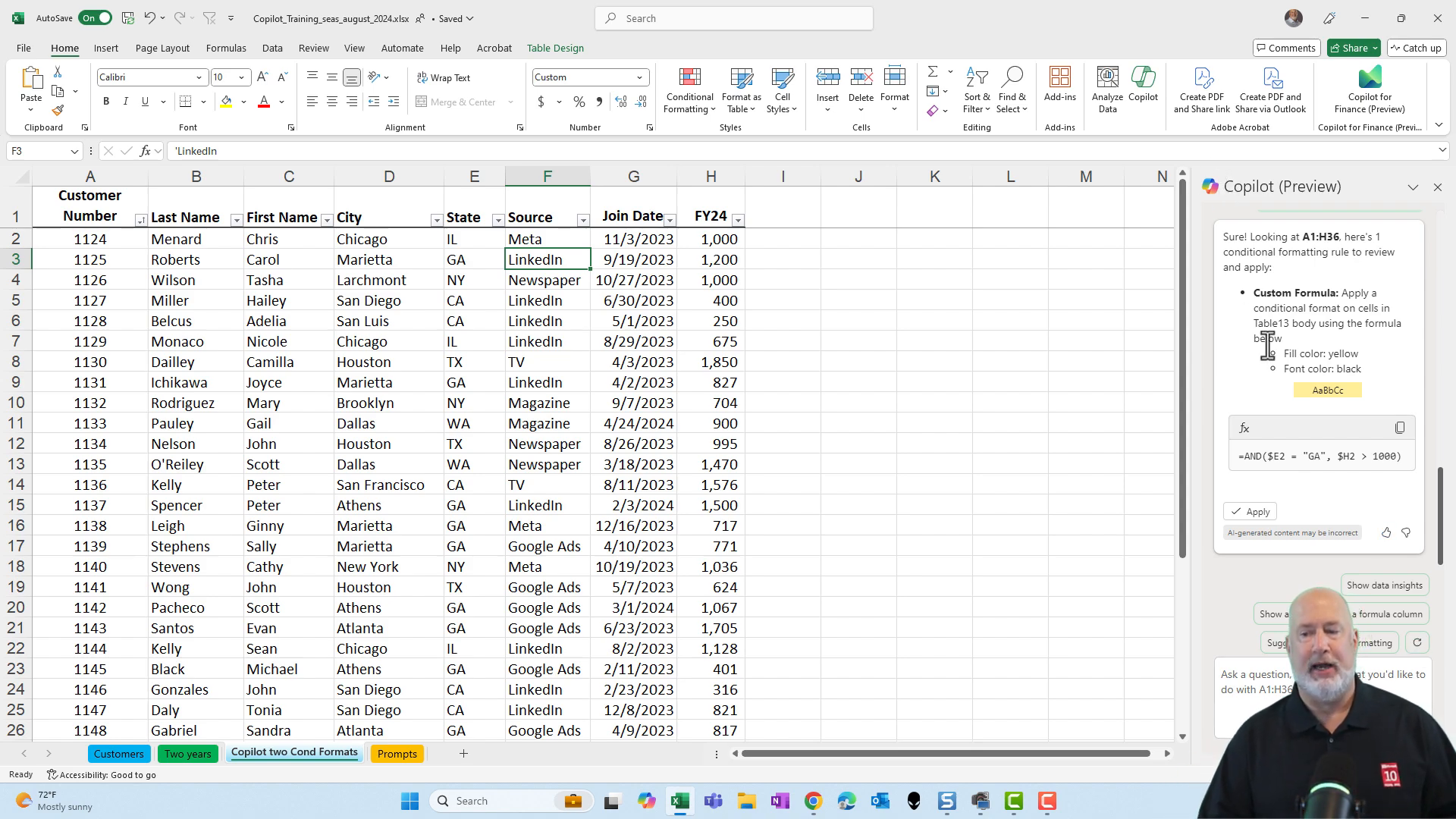
One of the new features of Copilot is that instead of just applying the conditional formatting, it explains what it’s going to do and lets you apply it. Here's what it says:
- The fill color will be yellow.
- The font color is going to be black.
It even gives me a sample of it. Below, it shows the complex function it’s using within conditional formatting, which in this case, is the AND function.
Applying the Rule
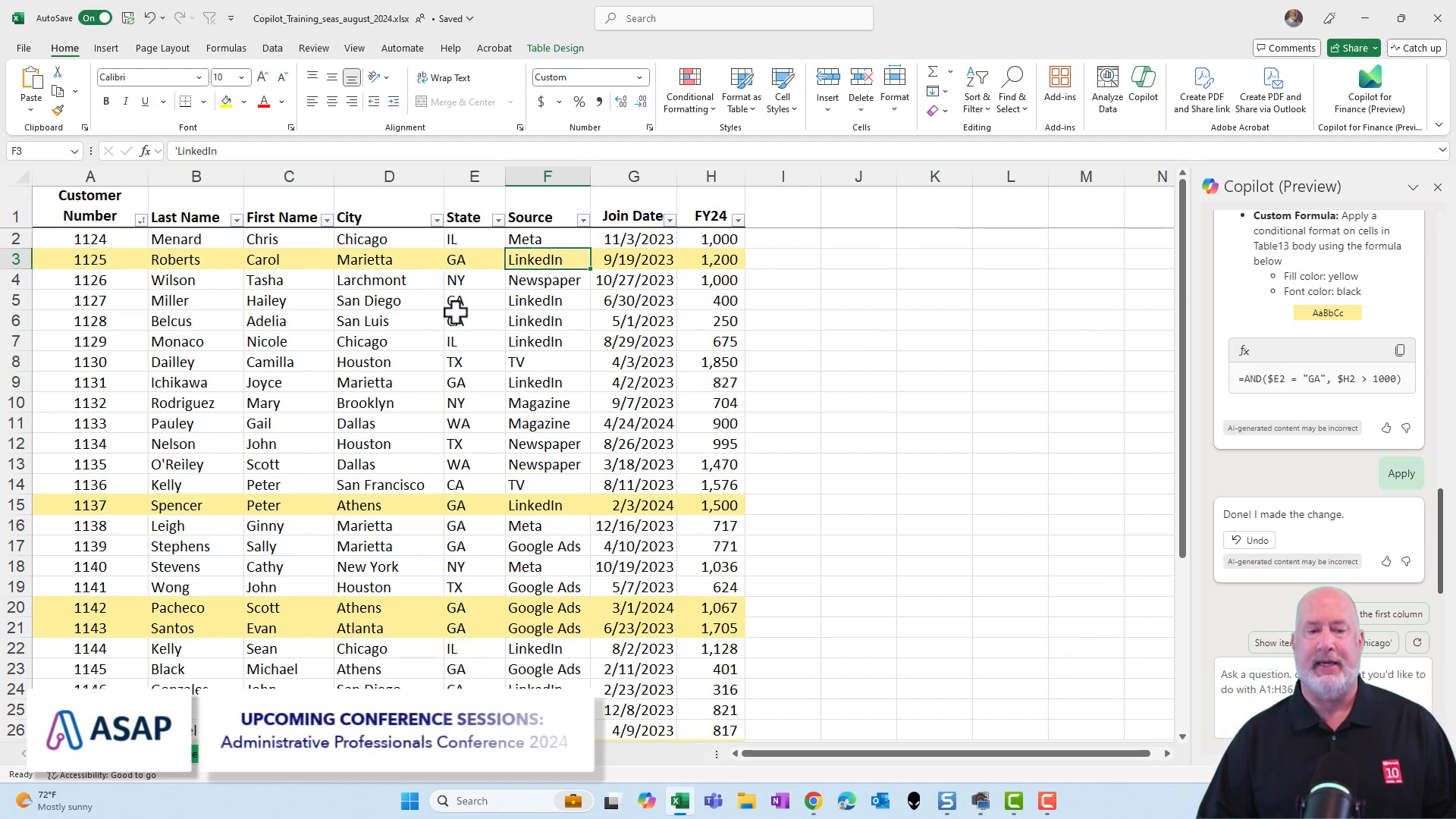
Once I click "Apply," the rule is set. To test it, I’ll change a value to "GA" and "1001" and watch the row turn yellow instantly.
Reviewing the Conditional Formatting Manager
If you go to Conditional Formatting and then to Manage Rules, you'll see the rule that was created using conditional formatting.
This is an excellent feature, and I hope you enjoyed this guide. My Copilot training class is available online, covering all the apps used in Copilot along with other training classes.



